Tell Us Your Project Requirements?
Get A Solution
Fast Response ✔ Professional Advice ✔ Competitive Price ✔

SMX provides professional projection solutions for immersive environments, projection mapping, simulation and training, museums, exhibitions, dome projection, large venues and commercial AV applications.
From projector selection and throw ratio evaluation to brightness, installation layout and multi-projector configuration, we help AV integrators, project contractors and distributors evaluate suitable projection systems according to real project requirements.
Different applications require different brightness, throw ratios, resolutions and installation configurations. Select the application first, then evaluate the projector setup.
Explore professional projection solutions for immersive environments, projection mapping, simulation, museums, dome systems, large venues, outdoor applications and golf simulators. Select your application to learn more about projector selection and installation requirements.
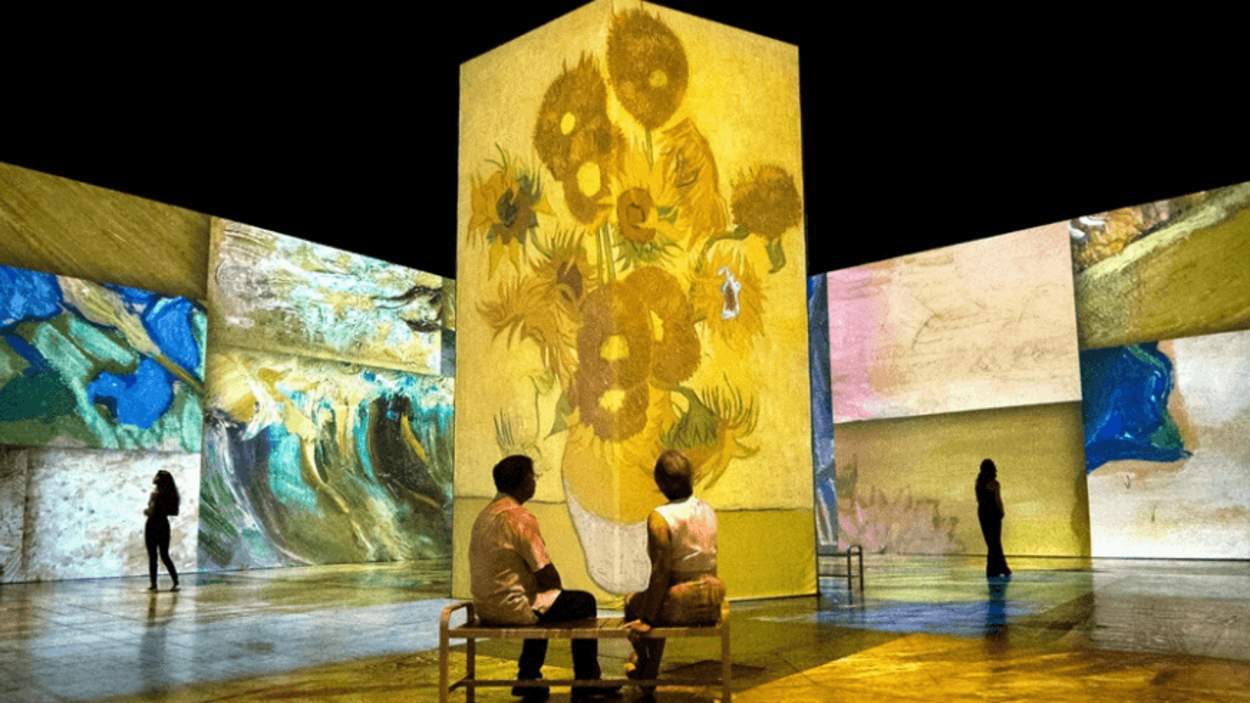
Multi-projector solutions for immersive rooms, digital art spaces and interactive visual environments.
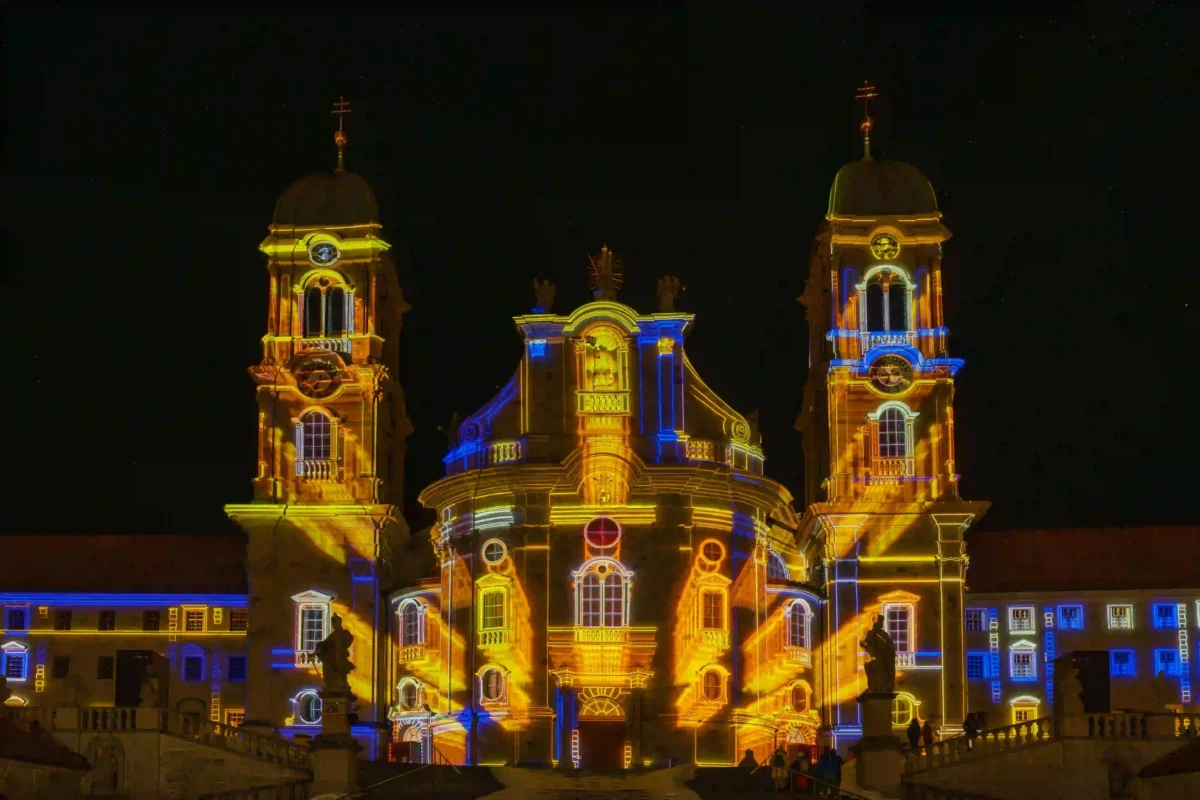
Projection systems for architecture, stages, irregular surfaces and large-scale visual installations.
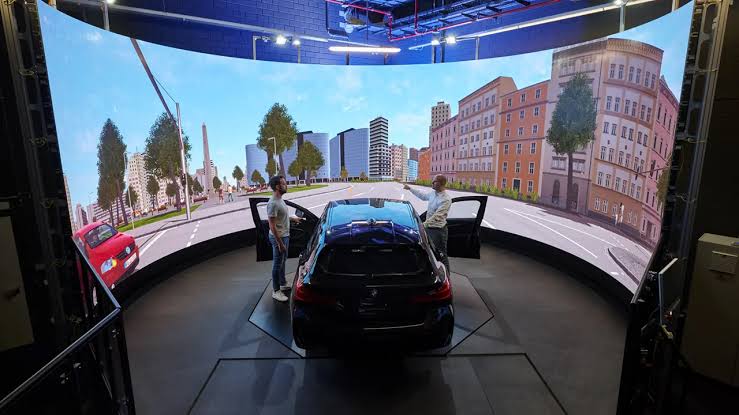
Projection configurations for flight, driving, professional training and simulation environments.
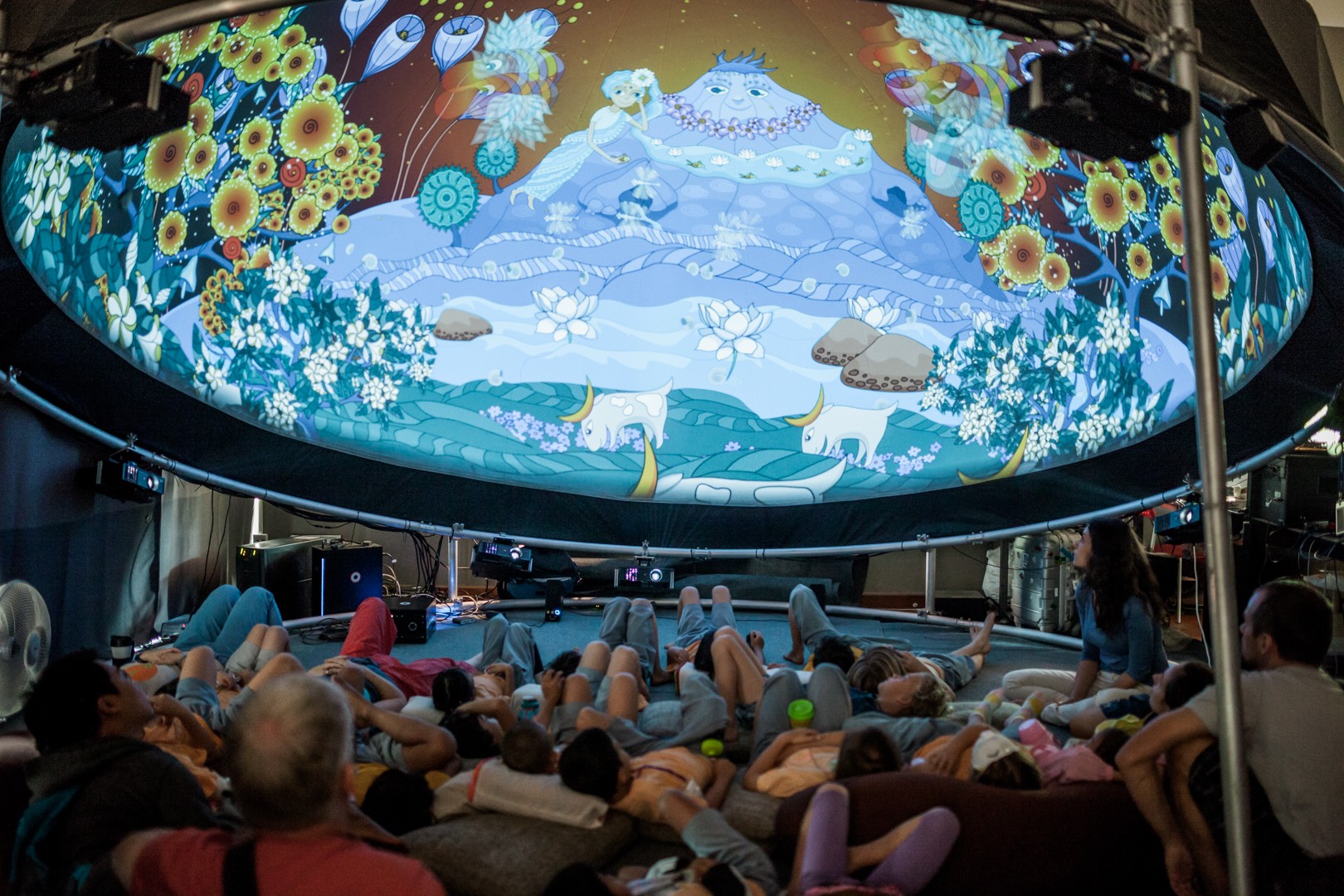
Projection solutions for dome theaters, hemispherical screens and panoramic visual environments.
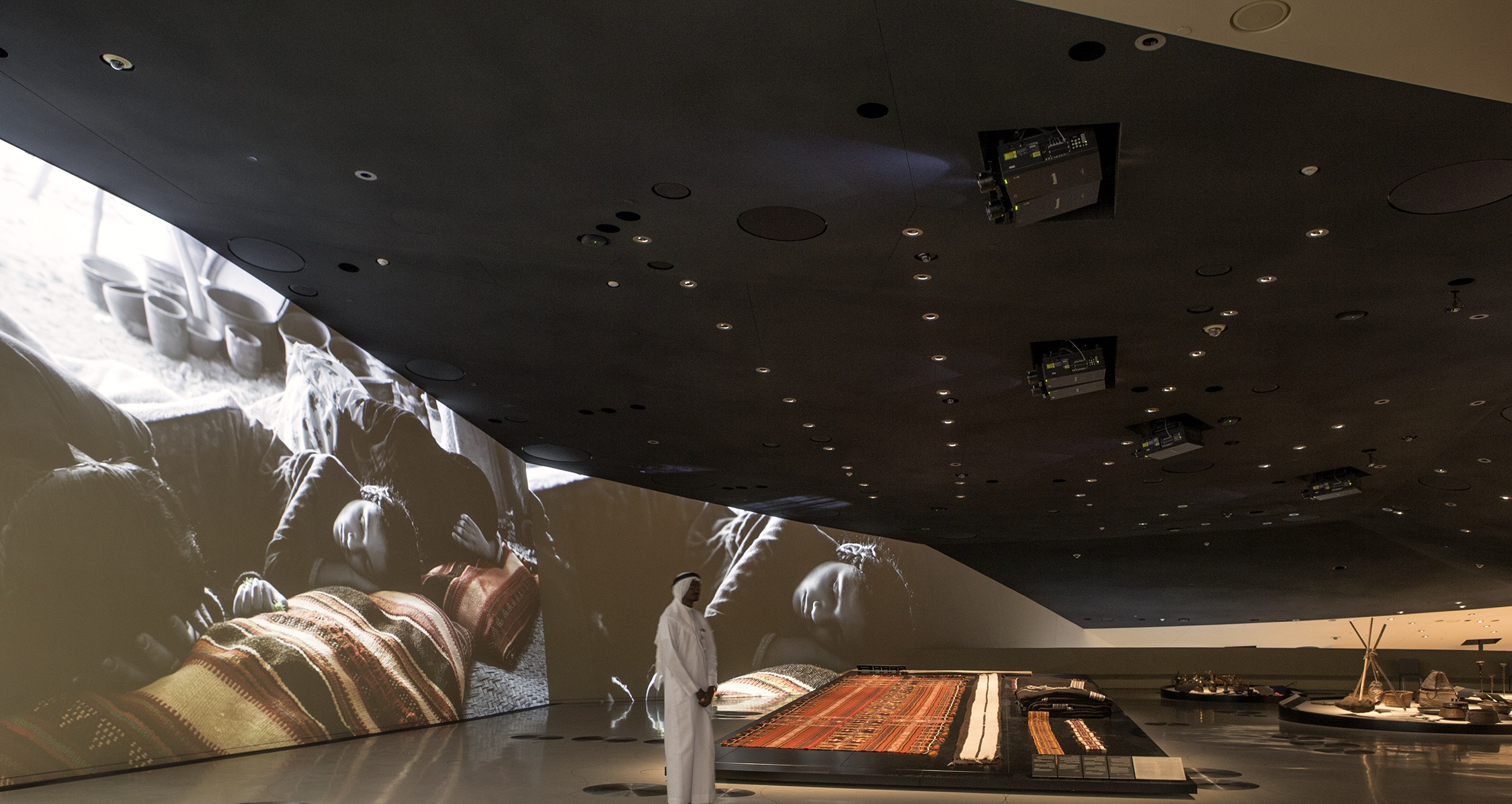
Projection systems for museums, galleries, exhibitions and digital storytelling spaces.
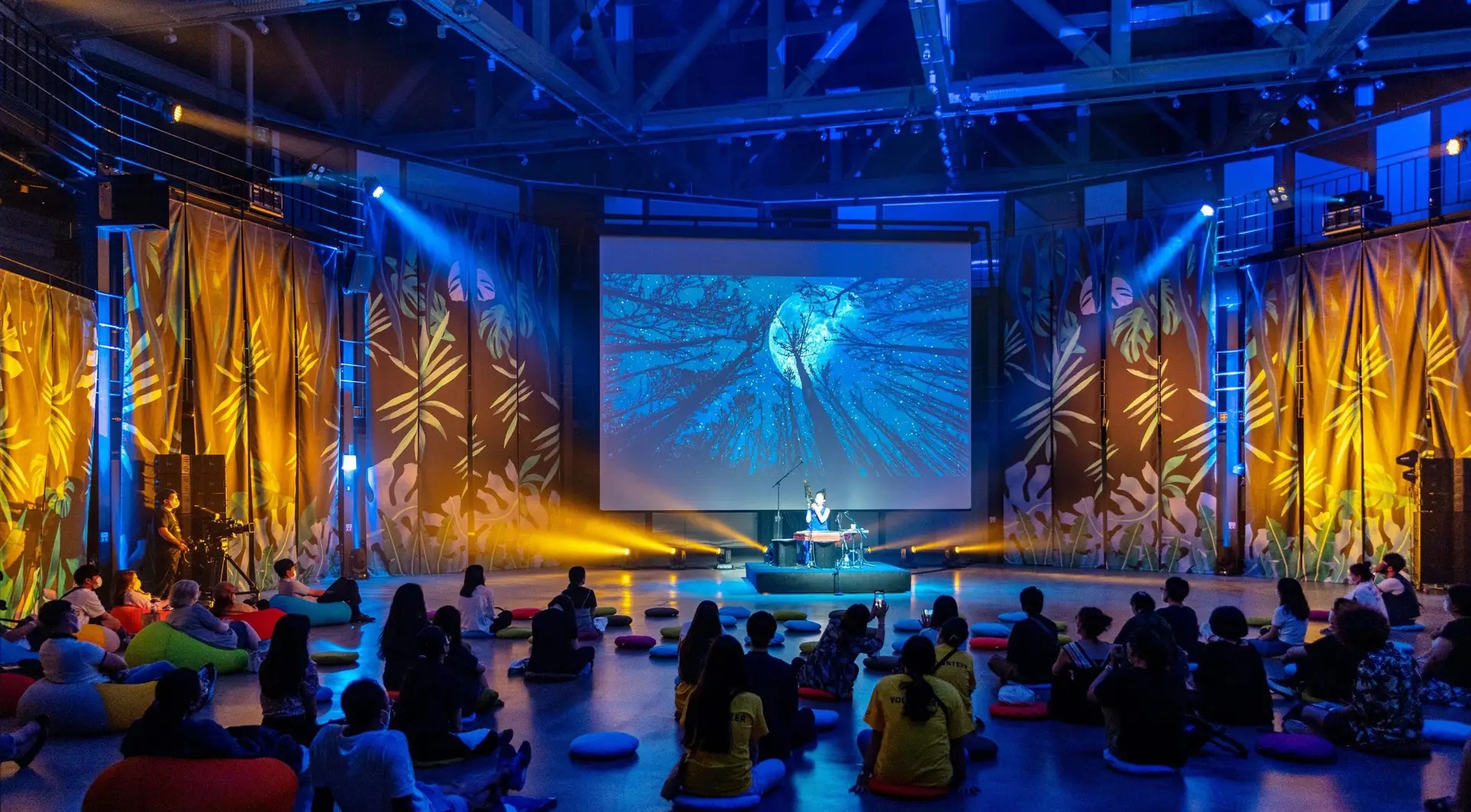
High-brightness projection for auditoriums, theaters, live events and other large-screen applications.
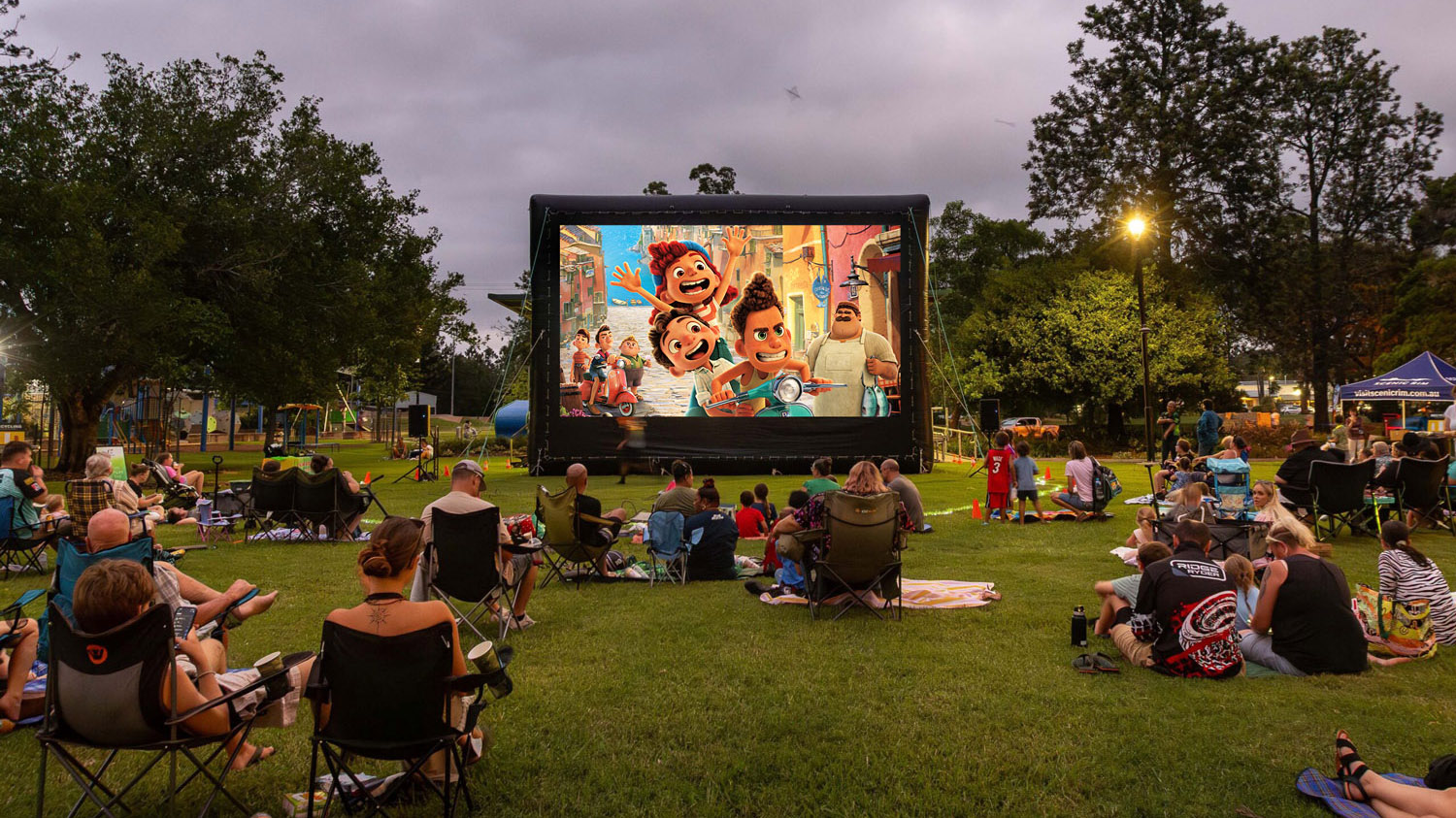
Projection solutions for outdoor events, outdoor movies and large-format nighttime visuals.
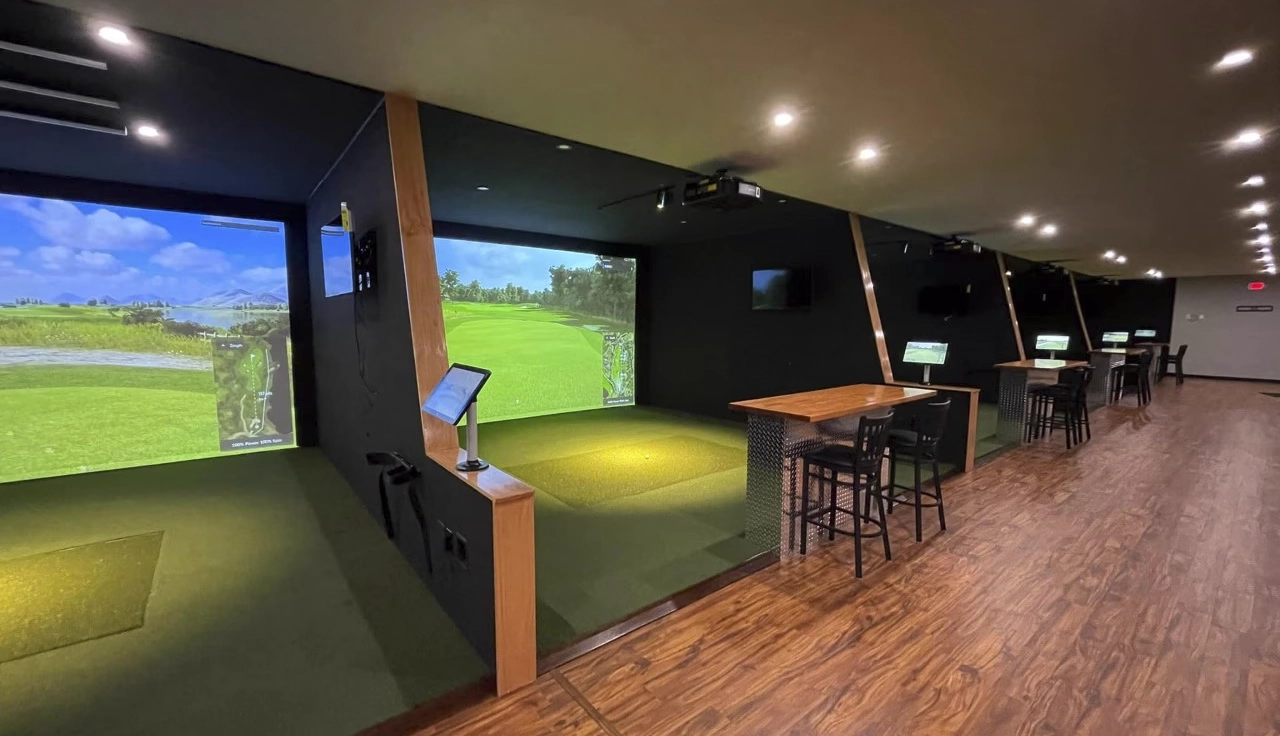
Short-throw projection solutions for indoor golf, training studios and commercial golf simulator rooms.
Send us your application, screen size, projection distance and installation requirements. We can help evaluate a suitable projector configuration for your project.
A suitable projection system depends on more than brightness alone. Screen size, projection distance, ambient light, resolution, installation position and multi-projector requirements all affect projector selection and system configuration.
First define the application: immersive room, mapping, simulation, exhibition, dome, large venue, outdoor or golf simulator.
Screen width, height and surface shape help determine the required image size, lens range and projector quantity.
Available projector-to-screen distance determines whether short throw, standard throw or another lens configuration is appropriate.
Room lighting, outdoor conditions and surface characteristics influence the brightness level needed for the application.
Brightness should be evaluated together with image size, ambient light, screen surface and viewing environment.
Content type, viewing distance and image detail requirements help determine the suitable native resolution for the project.
Mounting position, image geometry, overlap areas and projector quantity must be considered for multi-projector systems.
Throw ratio is one of the first technical parameters to check when selecting a projector lens or projector model. Use the calculator to estimate the relationship between screen width, throw ratio and projection distance.
Open Throw Ratio Calculator →Final projector selection should also consider brightness, lens range, installation position, image geometry and model-specific capabilities.
Share your application, screen size, projection distance, ambient light conditions, required resolution and installation layout for projector selection support.
Multi-projector projects require careful planning of image overlap, geometry, lens selection, installation position and system control. The final configuration should be matched to the real screen, room layout and capabilities of the selected projector models.
In immersive, mapping, dome and simulation projects, projector performance depends on how the entire projection system is designed and installed.
Lens range, projector position, overlap area, image geometry, brightness consistency and signal distribution should be evaluated together before the final projector configuration is confirmed.
Multiple projected images can be overlapped and blended to create a larger continuous image where the selected projector and system support edge blending.
Geometry adjustment helps align projected images to flat, curved or irregular surfaces when supported by the projector or external processing system.
Overlap width should be planned according to projector position, image size and blending requirements before installation positions are finalized.
Lens selection should match the required image width, projector-to-screen distance and available installation space.
Mounting position, projector angle, service access and room structure should be considered during system layout planning.
Multi-projector systems may require coordinated video distribution, synchronization and control, depending on the overall AV system design.
Edge blending, geometry correction, lens shift, interchangeable lenses, synchronization and installation flexibility vary by model. These capabilities should be confirmed during projector selection rather than assumed across an entire product category.
Send us your room dimensions, screen or surface size, projection distance, layout drawing and application requirements for projector and lens configuration evaluation.
We evaluate each projection project according to its real application, screen dimensions, projection distance, installation environment and performance requirements before recommending a suitable projector configuration.
Share the application, screen or projection surface size, projection distance, room dimensions, ambient light, resolution requirements and expected quantity.
We evaluate throw ratio, required image size, brightness conditions, installation limitations and whether the project requires a single or multi-projector system.
Suitable projector models and lens options are evaluated according to brightness, native resolution, throw ratio, connectivity and required installation capabilities.
Projector position, installation angle, projection distance and overlap areas can be evaluated according to the project drawing and available installation space.
The recommended configuration can be reviewed together with the customer before ordering, including projector model, lens, quantity and relevant installation requirements.
Product information, configuration details and relevant technical documentation can be provided to support system integration and project implementation.
The more project information you provide, the easier it is to evaluate suitable projector, lens and installation options.
Send your project requirements, drawings or installation parameters and discuss the suitable projector configuration with our team.
SMX works with AV integrators, project contractors, distributors and OEM & ODM partners to evaluate projector configurations according to real application and installation requirements.
Projector recommendations can be evaluated according to application, screen size, projection distance, brightness, resolution and installation conditions.
OEM and ODM cooperation is available for customers requiring customized branding, product configuration or project-oriented projector solutions.
Different projector categories and throw options make it easier to match products with large venue, immersive, simulation and commercial AV applications.
Project requirements can be discussed using screen dimensions, throw distance, room drawings and other technical information to improve product and lens selection.
We support professional buyers including integrators, distributors, contractors and solution providers working on projector-based commercial projects.
Cooperation can be discussed according to project type, quantity, product configuration and OEM or ODM requirements.
SMX focuses on professional B2B projector cooperation and project-based applications.
For distributors, brands and project partners, OEM & ODM requirements can be discussed according to the target application, product configuration, branding and order requirements.
Tell us your application, required quantity, target specifications and OEM or ODM requirements to discuss a suitable cooperation direction.
Browse projector categories, calculate throw ratio or discuss OEM & ODM requirements according to your application, screen size, projection distance and installation environment.
Explore projector options for large screens, events, auditoriums, mapping and professional AV applications.
Explore short throw and ultra-short throw options for compact rooms, simulation and specialized installations.
Browse projector options for applications requiring high-resolution visual content and large-screen presentation.
Estimate the relationship between projection distance, image width and throw ratio before choosing a projector or lens.
Learn about projector customization cooperation for distributors, brands and project-based customers.
Explore the SMX projector range by brightness, throw type, display technology and professional application.
Start with three basic project parameters: application, screen size and projection distance. These help narrow the projector category and throw ratio range.
Send us your application, screen size, projection distance, required brightness, resolution and quantity for projector selection support.
Find answers to common questions about projector brightness, throw ratio, screen size, multi-projector systems, immersive projection and project-based projector selection.
Start with the application, screen size, projection distance, ambient light and required image resolution. These parameters help determine the suitable projector category, brightness range, throw ratio and installation method.
Required brightness depends on screen size, ambient light, projection surface, viewing environment and application. A larger image or brighter environment generally requires more light output, but brightness should not be selected alone.
Throw ratio describes the relationship between projection distance and image width. A basic formula is: Throw Ratio = Projection Distance ÷ Image Width.
Use the Throw Ratio Calculator →Short throw projectors are useful when installation depth is limited or when the projector must be positioned relatively close to the screen. They are commonly considered for simulation, golf simulator and compact immersive applications.
Yes. Multiple projectors can be arranged to create a larger continuous image using planned overlap areas and edge blending where supported by the projector or external processing system.
Important factors may include brightness, throw ratio, native resolution, installation flexibility and image adjustment capabilities. Multi-projector immersive systems may also require edge blending or geometry correction depending on the design.
Projection mapping should consider the size and shape of the projection surface, projector position, ambient light, required image coverage, lens selection and the number of projectors needed for the final layout.
The quantity depends on the projection surface dimensions, projector throw ratio, image coverage, resolution target, overlap requirement and physical installation layout. It should be calculated for each project rather than estimated from screen size alone.
Project drawings, room dimensions, screen size, projector installation positions and projection distances can provide useful information for evaluating projector and lens options.
Yes. OEM & ODM cooperation can be discussed according to product configuration, branding, target application, quantity and other project requirements.
Learn More About OEM & ODM →Share your application, screen size, projection distance, ambient light, required brightness or resolution, quantity and installation requirements.
